
Usere
Usere: an existing marketing platform taken over from Centric and extended with a content calendar, an AI image studio and a completely new design.
 Netherlands
Whole application
Taken over
Calendar + image studio
New modules
Fully renewed
Design
Fixed price per phase
Way of working
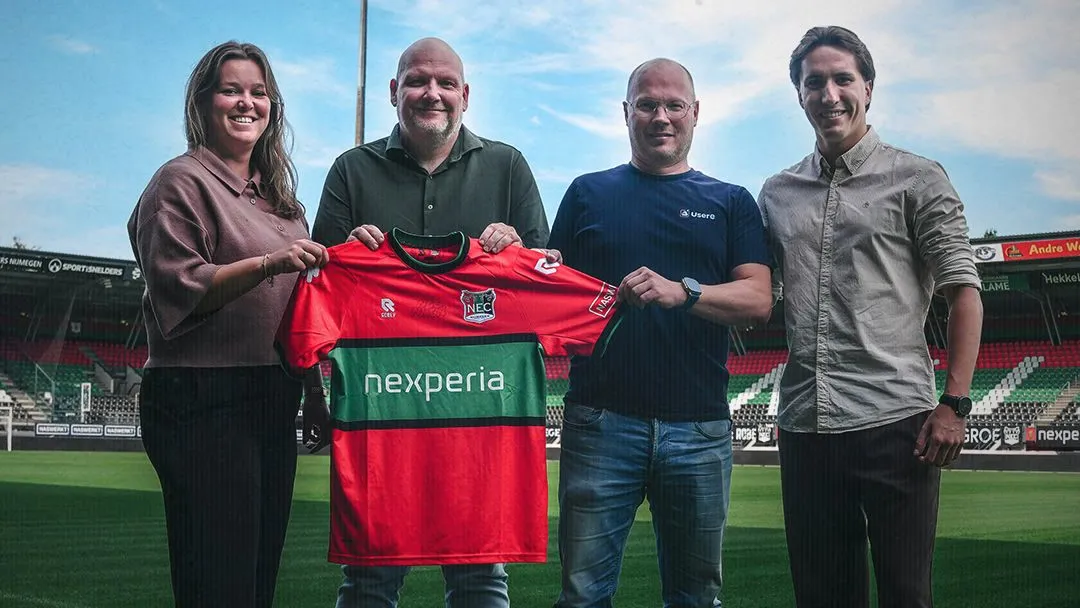
About Usere
Usere is a Dutch marketing platform from Cuijk for freelancers and small and medium-sized businesses. From one dashboard users plan their social media, send newsletters and write with help from AI; anyone who'd rather hand it off can turn to Usere's own marketers. The promise is marketing that takes no effort and stays affordable, on European software that meets the GDPR.
The challenge
Usere had a working platform, built by Centric as .NET microservices on Azure, and a wish list that grew faster than the product. The pace at which features arrived no longer matched the ambition, right when the market for marketing tools is moving fast. So Usere looked for one party that could take over the entire application, get to know the code as if it were its own, and then deliver in a steady rhythm. Where it had to go was clear: marketing that all but runs itself for the user.
The analysis
We didn't start by building; we started by reading. In a scan of the whole application we mapped how the services, the accounts, the planner and the integrations fit together, and what we wanted to tighten on security and documentation. Only then did a proposal follow.
We build inside the existing platform, not next to it. New modules connect to the current .NET 10 backend, the existing account model and the planner's data. That takes more reading-in than putting a separate app beside it, but it avoids two systems drifting apart.
The work is cut into phases with a fixed price per part. Usere decides per phase whether to continue, and every phase delivers something that's useful by itself.
Design and engineering move together. The existing design showed which way Usere wanted to go, so we didn't draw every screen first; we built a working flow per feature and sharpened it in rounds. Halfway through, a completely new design for the application was added.
What we built

Taking over the application
The whole .NET stack in Azure was handed to TopDevs: a microservice architecture with all its services, the connections between them and the environment they run in. Since then we do the releases and the further development.
4 parts
- A scan of the whole application before the first line of new code.
- All services and the Azure configuration under our own management.
- Releases through a dedicated test environment before anything reaches production.
- An outage in the LinkedIn integration fixed as an emergency.
Content calendar
A calendar in the marketing area that shows per day which content is queued on which channel, with month and week views and a detail panel per post.
4 parts
- Each channel has its own colour and icon: LinkedIn, Instagram, Facebook, Pinterest and email.
- Status per post: draft, scheduled, posted or failed, with the reason when it fails.
- Drag to reschedule.
- Filter by channel and status.
AI image studio
Users make their images inside the platform. They set a style once and keep generating in that style, in the right format per channel.
4 parts
- Define a style in a guided chat and save it for reuse.
- Pass in a reference image of your own.
- Logo placed in a corner automatically, plus crop, resize and add text.
- Generation runs in a queue, so you can keep working on your post.
A completely new design, sign-in included
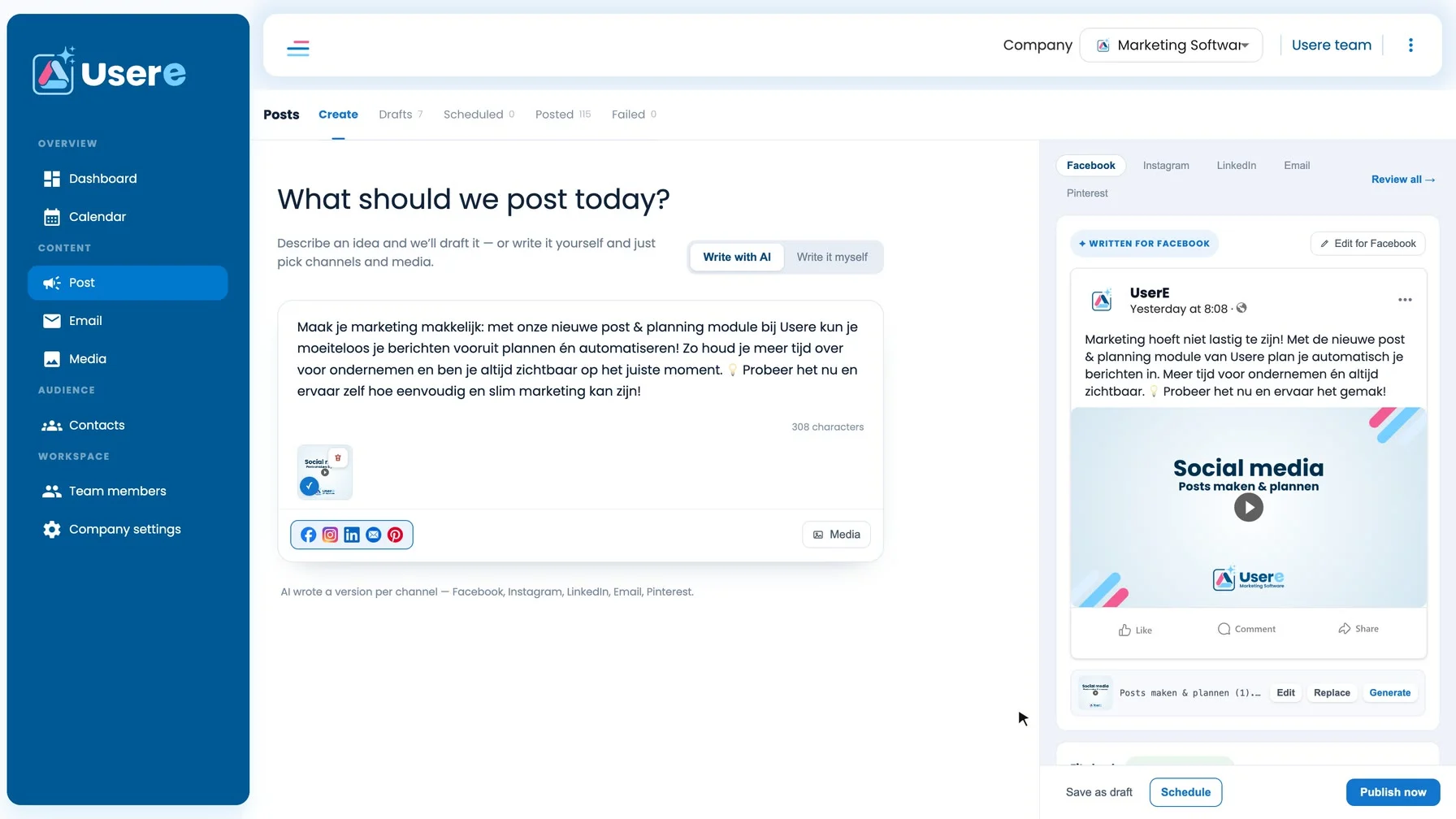
The whole application got a new design, from the sign-in screen to the post editor. The post section was rebuilt along the way, with new logic for layout, validation and behaviour.
3 parts
- Post, calendar and media library as one continuous flow.
- Edit a post per channel and see everything in one preview.
- Media library with filters, search and video.
Smarter planning and writing
Scheduling suggests the best posting time per channel and shows in the agenda where there's still room. Writing with AI returns text that fits the channel straight away.
4 parts
- Best posting time per channel, adjustable.
- AI text with the right length and with or without hashtags per channel.
- Insights per social channel.
- For each integration you can see which channel is connected.
Mail studio and domain verification
Loading email templates and fetching the DNS records for domain verification are faster, and a fault in the template editor was fixed.
Running now: payments and finishing touches
In the phase running now we're building payment with iDEAL and SEPA direct debit, a new design for the payment screen, the mail studio and the navigation, and a series of smaller improvements.
4 parts
- iDEAL for the first payment, SEPA direct debit for renewals.
- The calendar as the start page.
- Select contacts and delete them in bulk.
- Alignment guides and custom accent colours in the image editor.
Under the hood
Taking over an application without it stalling
A takeover is rarely a clean start, least of all with a stack of separate services that together make one product. The platform was running, paying users were on it and a wish list was waiting. So we read through the entire application first and shared what we saw with Usere, which meant the first proposal rested on the code and not on assumptions.
Real life showed up in those first weeks too. The LinkedIn integration went down, and for a tool people use to schedule their posts that's no small thing. We fixed that outage as an emergency, and in the same pass set the configuration up so the integrations can be updated from now on without a new build.
Every module is a foundation
The calendar is more than an overview. It was built as the place where automatically scheduled content will land later, so a user sees at a glance what's queued and approves it. The same goes for the image studio: it's the image engine a post takes its picture from, in the company's own style.
That's how we build, step by step, towards what Usere has in mind: marketing you no longer have to organise, because the platform prepares the work and you only choose.
The blueprint
- 1Scan
- 2Takeover
- 3Calendar
- 4Image studio
- 5Redesign
- 6Keep building
Results
Taken over
Whole application
The whole .NET stack in Azure, set up as microservices, moved to TopDevs.
New modules
Calendar + image studio
Users no longer leave the platform for an overview or for images.
Design
Fully renewed
One design from sign-in to post editor.
Way of working
Fixed price per phase
Usere decides per phase and knows up front what a part costs.
Tech & tools
Why teams build with TopDevs
- Fixed price, agreed up front
- 100% code ownership, no lock-in
- Prototypes in days, live in weeks
- Modern, AI-native & secure tech

Ready to build something that actually works?
Book a no-obligation call. We'll look at where the biggest win sits — fixed price, your code, no lock-in.
Start your own projectMore case studies
Bag of Dreams

Games
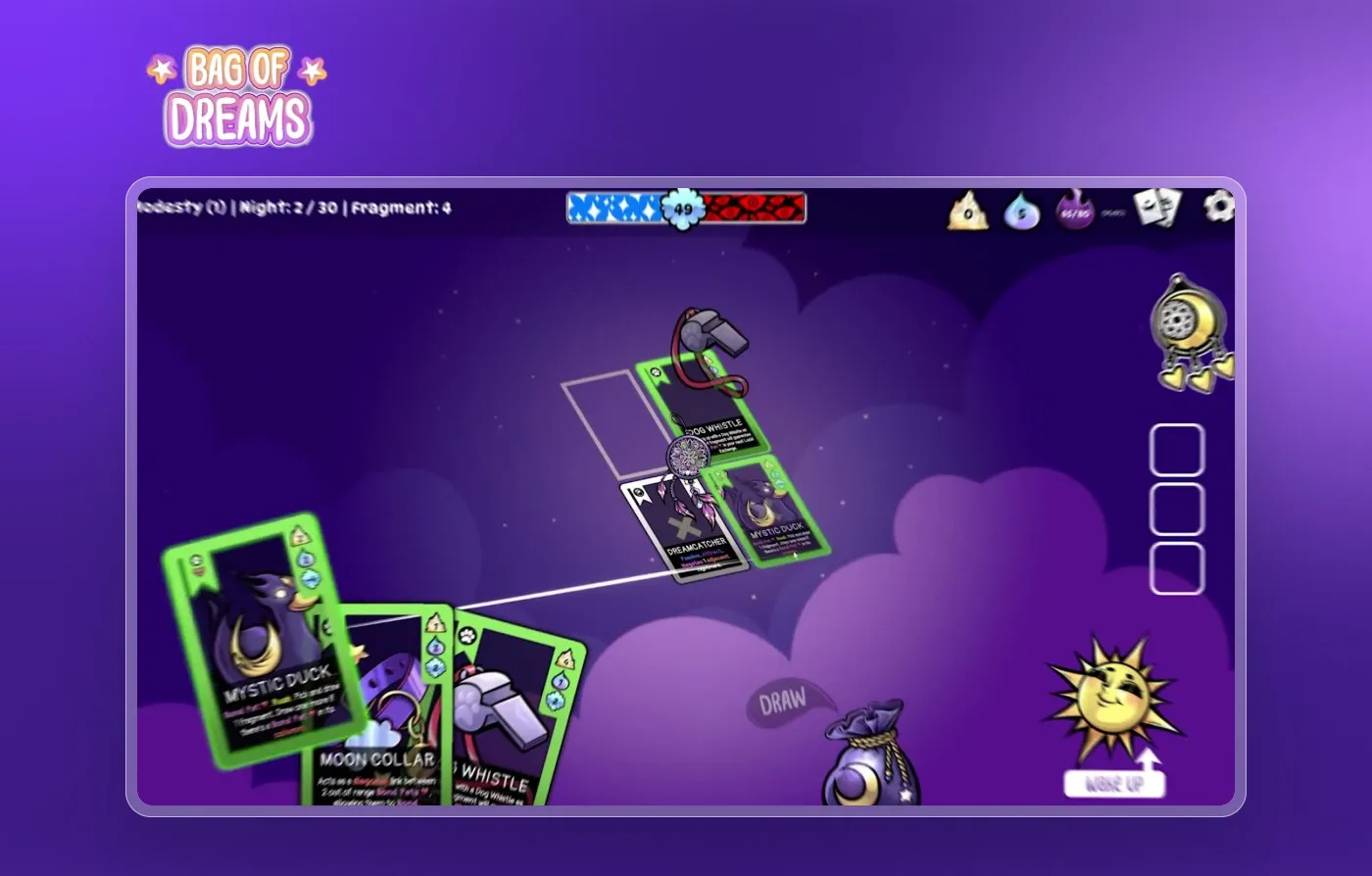
Bag of Dreams: a cozy roguelike card game, built from concept to release on Steam by two of the owners of TopDevs.
Roguelite deckbuilder
Genre
March 2026
Release
Castle of Blackwater
Games / Web3
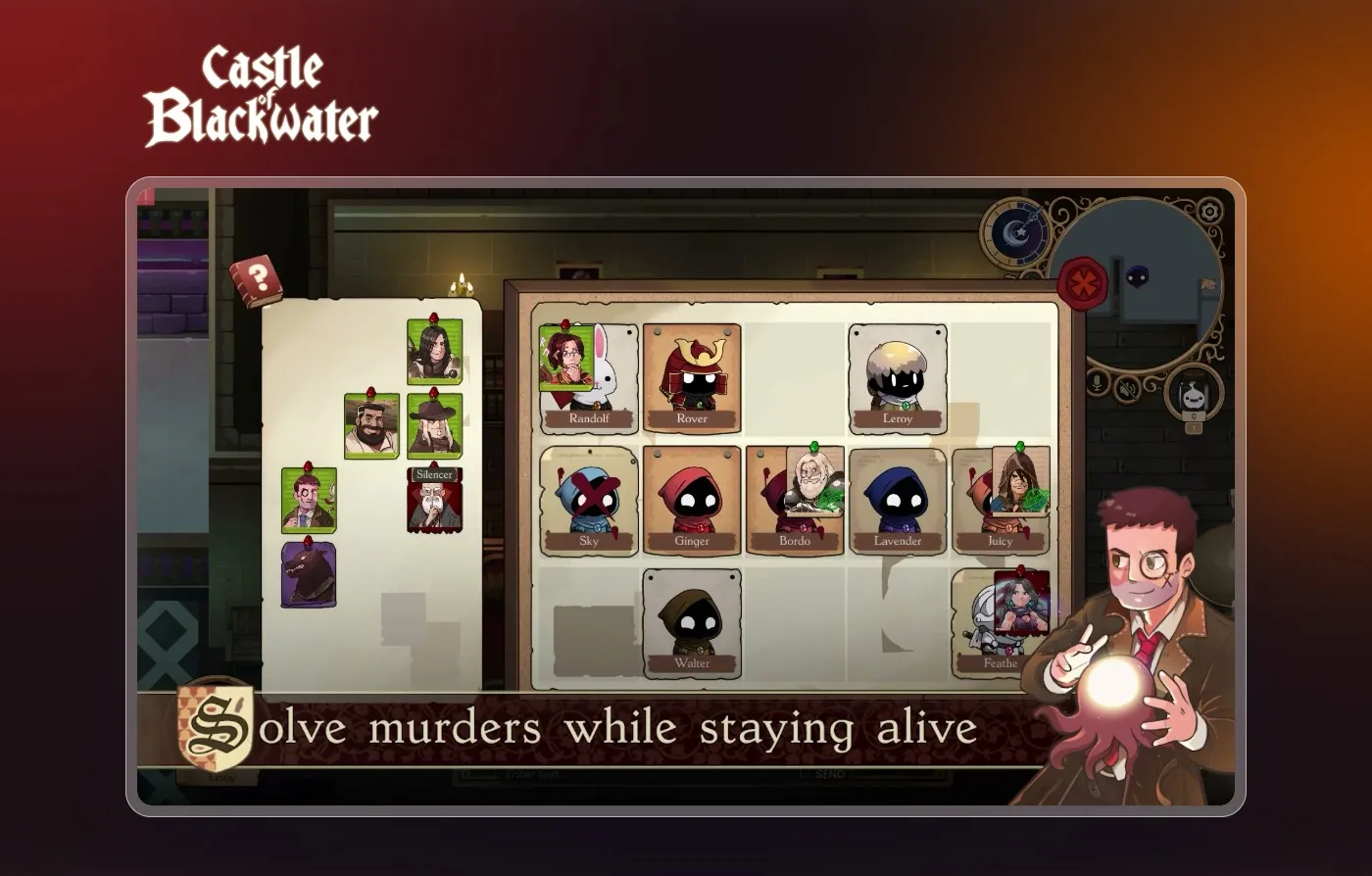
Castle of Blackwater: a multiplayer social deduction game, built from first sketch to worldwide launch on Steam by two of the owners of TopDevs.
Up to 10
Players per round
91% positive
Steam reviews
Fair Play Collective
Web3 gaming
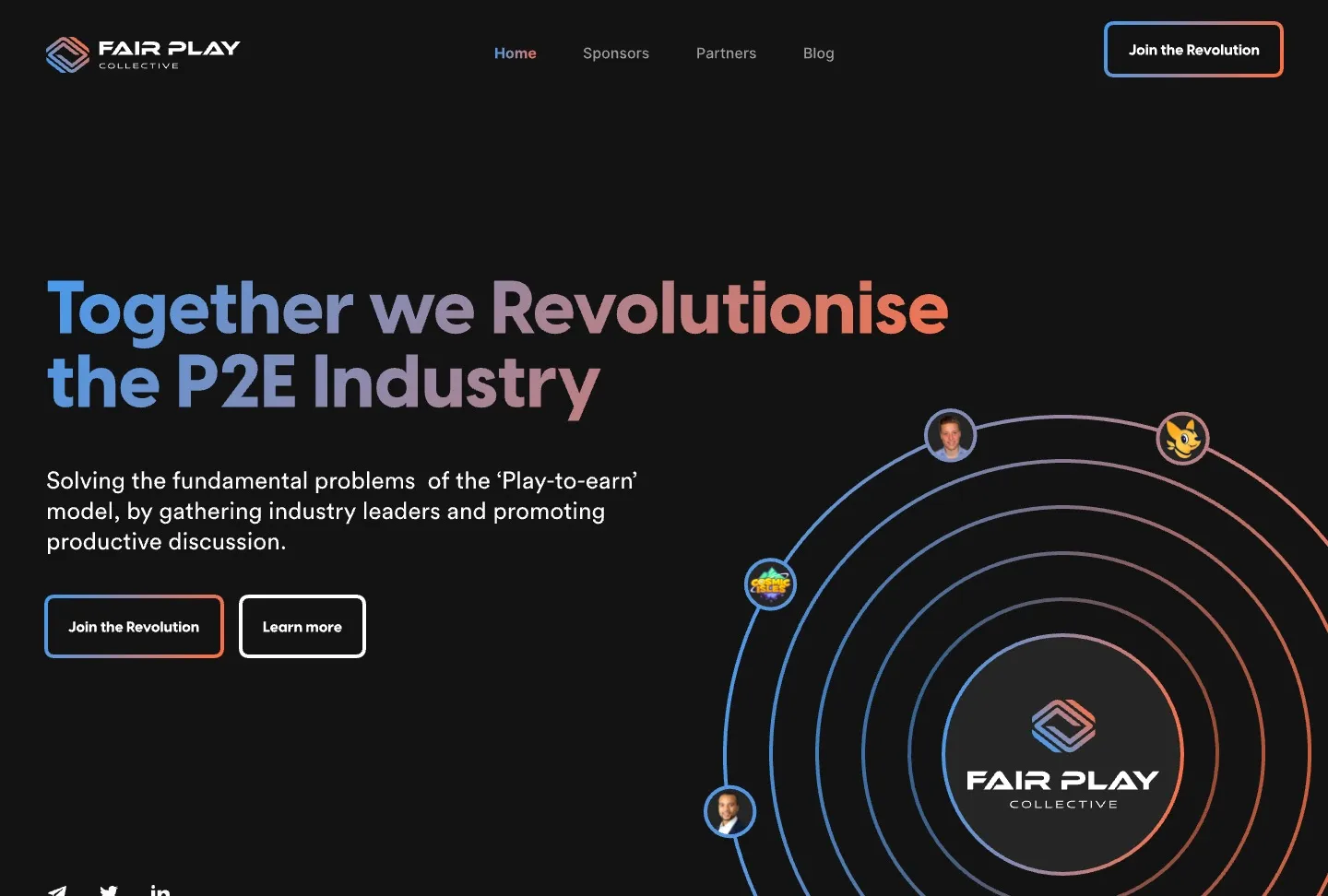
Fair Play Collective: logo, identity, design and an animated website for a partnership in Web3 gaming.
Brand, design and site
Made
Home, blog and article
Pages