
Peters Bouwkundig Adviesbureau
Peters Bouwkundig Adviesbureau: record inspection findings on a tablet, review them at the office and generate an advice report and invoice.
Updated on
 Netherlands
Hours per inspection
Time saved
On-site (tablet)
Where the work happens
.docx reports & invoices
Output
About Peters Bouwkundig Adviesbureau
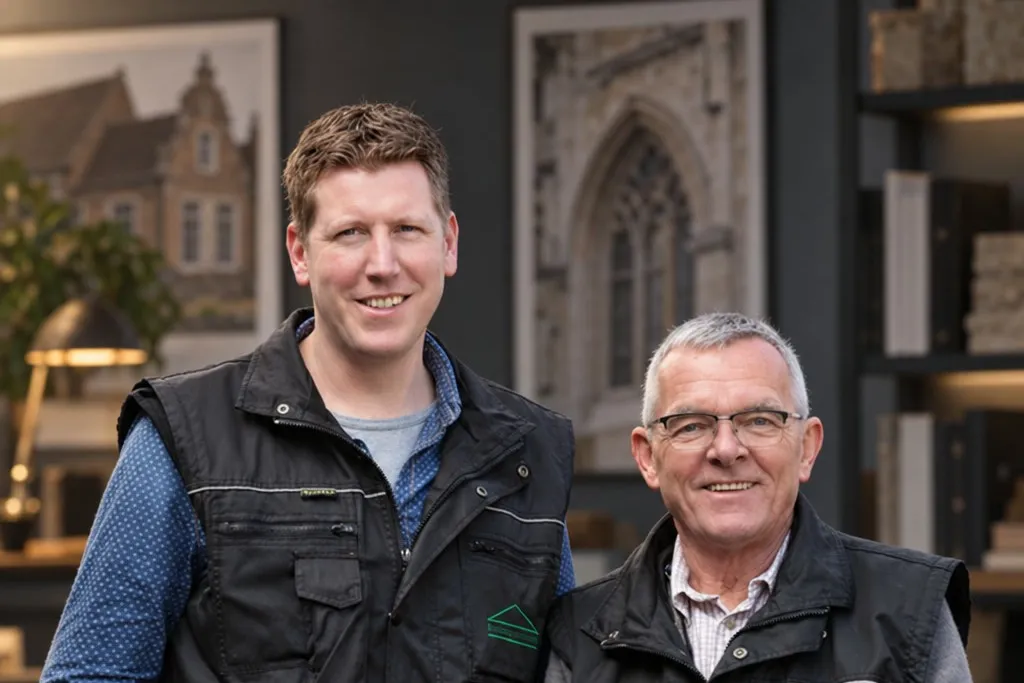
Peters Bouwkundig Adviesbureau is an independent building-inspection and structural-advice firm in Milsbeek, in the north of the province of Limburg (municipality of Gennep). It inspects homes, older farmhouses (woonboerderijen) and listed monuments, carrying out purchase and sale inspections, zero-measurements (nulmetingen) and surveys for both private and corporate clients. Lawyers engage the firm as an independent building expert, and it carries out expert investigations commissioned by the court.
The challenge
At Peters Bouwkundig Adviesbureau, we worked on one inspector's daily workflow: several visits a week, followed by writing up reports. During inspections, he relied on handwritten or mental notes. Back home, he entered them again in software that had been in use for 25 years. He wanted to capture findings directly on a tablet and use them to produce the report after review.
The analysis
Re-entering notes after the visit took extra time. Capturing findings digitally on-site meant the same data could be used for the report at the office.
Data entry had to be brief during an inspection. We chose a customisable library of standard texts and options the inspector can tap. Where these don't cover a finding, he can enter his own text.
Findings only make sense in context. A photo and a comment need to be attached to the specific room they belong to, so the report writes itself in the right structure later. Tag as you go, and the structure is already there when the .docx gets generated.
The office side is a separate job. Reviewing a recent inspection, adding comments, checking open flags and then producing both the report and the invoice all had to live in the same tool, not a second app he switches to.
The same React app works on a tablet during the visit and at the desk. A finding recorded in a hallway is the same record he reviews at the office. There’s no transfer between separate systems.
The inspector can adjust the standard-text library to match his reports. Frequently used wording stays available without being written again at every visit.
What we built

On-site capture app
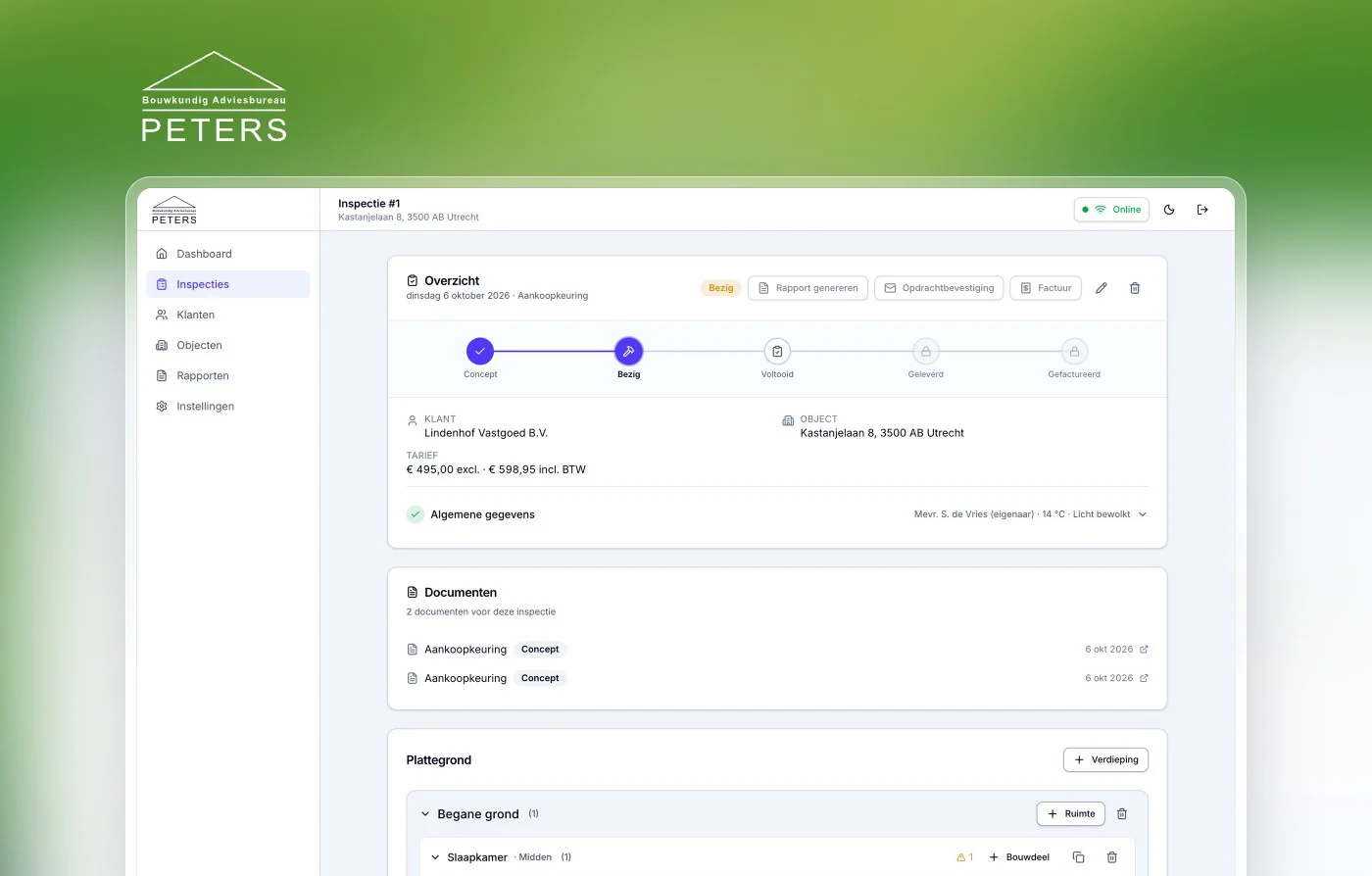
A React app for tablet use during an inspection. The inspector selects standard texts, takes photos and assigns findings to the right room. That data remains available for office review and reporting.
4 parts
- React app for tablet use and office review, built from one codebase.
- A customisable library of standardised texts and options, so findings get recorded by tapping with minimal keyboard use.
- Photo capture of findings during the inspection, attached to the right finding.
- Per-room tagging, so photos and comments stay tied to the specific room and the report structures itself later.
Office review & flags
The desk side of the same tool. Back at the office the inspector pulls up a recent inspection, walks back through the details, adds comments and clears any open flags before the report goes out.
3 parts
- Find a recent inspection and open it to review the captured details.
- Add comments and refine findings after the visit.
- Check and resolve open points before generating the report.
Report & invoice generation
After office review, the app produces the advisory report and matching invoice from the recorded inspection. Re-typing is removed; reviewing the findings remains part of the job.
3 parts
- One-click generation of advisory reports in .docx format from the recorded findings.
- Invoice generation tied to the same inspection record.
- No re-typing into old software at home, the report comes from the on-site capture.
Reports from the firm's own Word templates
Each report type is a Word document the firm can open and change itself. The app fills in the inspection data, puts the findings and photos under each room and turns the result into a PDF.
4 parts
- Six document types: purchase inspection, sale inspection, NHG report, pre-inspection, order confirmation and invoice.
- Layout, headers and footers and fixed wording are changed in Word, with no developer.
- Fields the app can't take from the inspection show up as a form field in the editor.
- Our own render service converts the Word document to PDF.
Moving off the old software
The standard texts, materials and room types from the Windows program that had been in use for 25 years were pulled out of the old database and loaded into the new platform. So the inspector started with his own library, not with an empty app.
2 parts
- Existing standard texts and pick lists carried over from the old database.
- The old report templates converted into the new Word templates.
Security and hosting
Inspection reports hold addresses, photos of homes and client details. That's why the platform runs on a server and database of its own, and only accounts created in advance get in.
4 parts
- No open sign-up: the administrator creates the accounts.
- An extra access layer in front of the application, based on allowed email addresses.
- Photos and reports sit in shielded storage and can only be fetched through short-lived links.
- All input is checked on the server; errors come in through monitoring.
Under the hood
Built for the field, tested in the field
An inspection happens standing up, in a crawl space or an attic, often with one hand free. The input was designed for that. Buttons are big enough for a finger, nothing depends on a mouse pointer, and a dialog doesn't close because you tapped next to it by accident.
Photos go straight from the tablet's camera into the inspection. The app shrinks them on the device first, to roughly half a megabyte, so uploading works on a mobile connection too, and it shows whether a photo arrived. If it fails, the inspector can try again and no stray files are left behind.
After the first real inspections a round of changes followed: looking back at photos and deleting them during the visit, and a room picker you can reopen. You don't think of those things behind a desk.
The report stays the firm's own
In a lot of custom software the layout of a report lives in the code, and every comma costs a developer. Here the report is an ordinary Word file with placeholders. If the firm wants to phrase a paragraph differently or add an appendix, that happens in Word.
The app works out which placeholders it can fill from the inspection and which need a person; those last ones appear as fields in the editor. That keeps the judgement with the inspector and the typing with the software.
The blueprint
- 1On-site capture
- 2Photos & room tagging
- 3Office review
- 4Flags & comments
- 5Generate report
- 6Invoice
Results
Time saved
Hours per inspection
The second pass of re-typing notes into old software at home is gone.
Where the work happens
On-site (tablet)
Findings, photos and per-room comments are captured during the inspection itself.
Output
.docx reports & invoices
Advisory reports and invoices are generated from the recorded inspection in one step.
Tech & tools
Part of our service: Custom Applications
Why teams build with TopDevs
- Fixed price, agreed up front
- 100% code ownership, no lock-in
- Prototypes in days, live in weeks
- Modern, AI-native & secure tech

Ready to build something that actually works?
Book a no-obligation call. We'll look at where the biggest win sits — fixed price, your code, no lock-in.
Start your own projectMore case studies
Bag of Dreams

Games
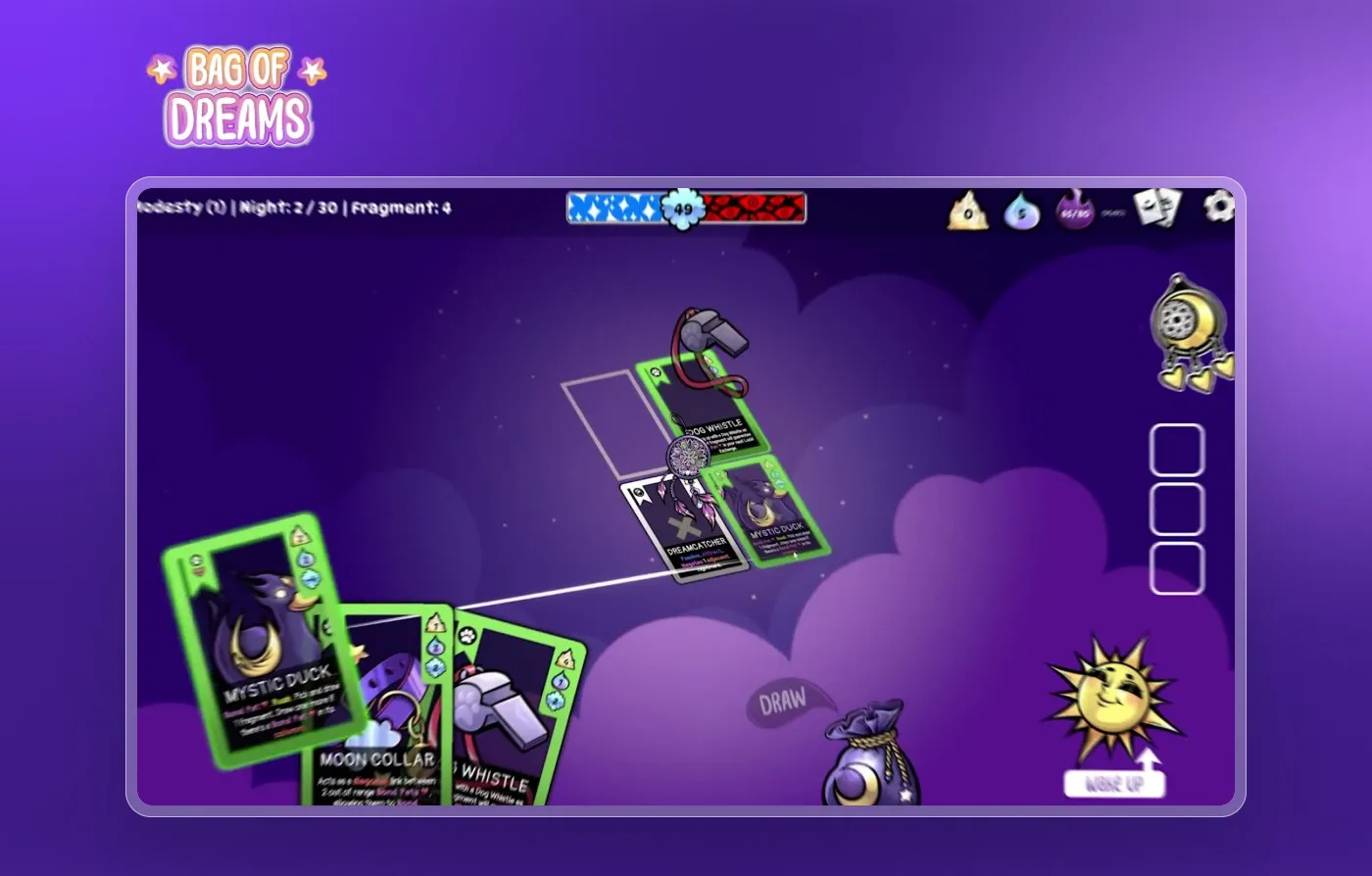
Bag of Dreams: a cozy roguelike card game, built from concept to release on Steam by two of the owners of TopDevs.
Roguelite deckbuilder
Genre
March 2026
Release
Castle of Blackwater
Games / Web3
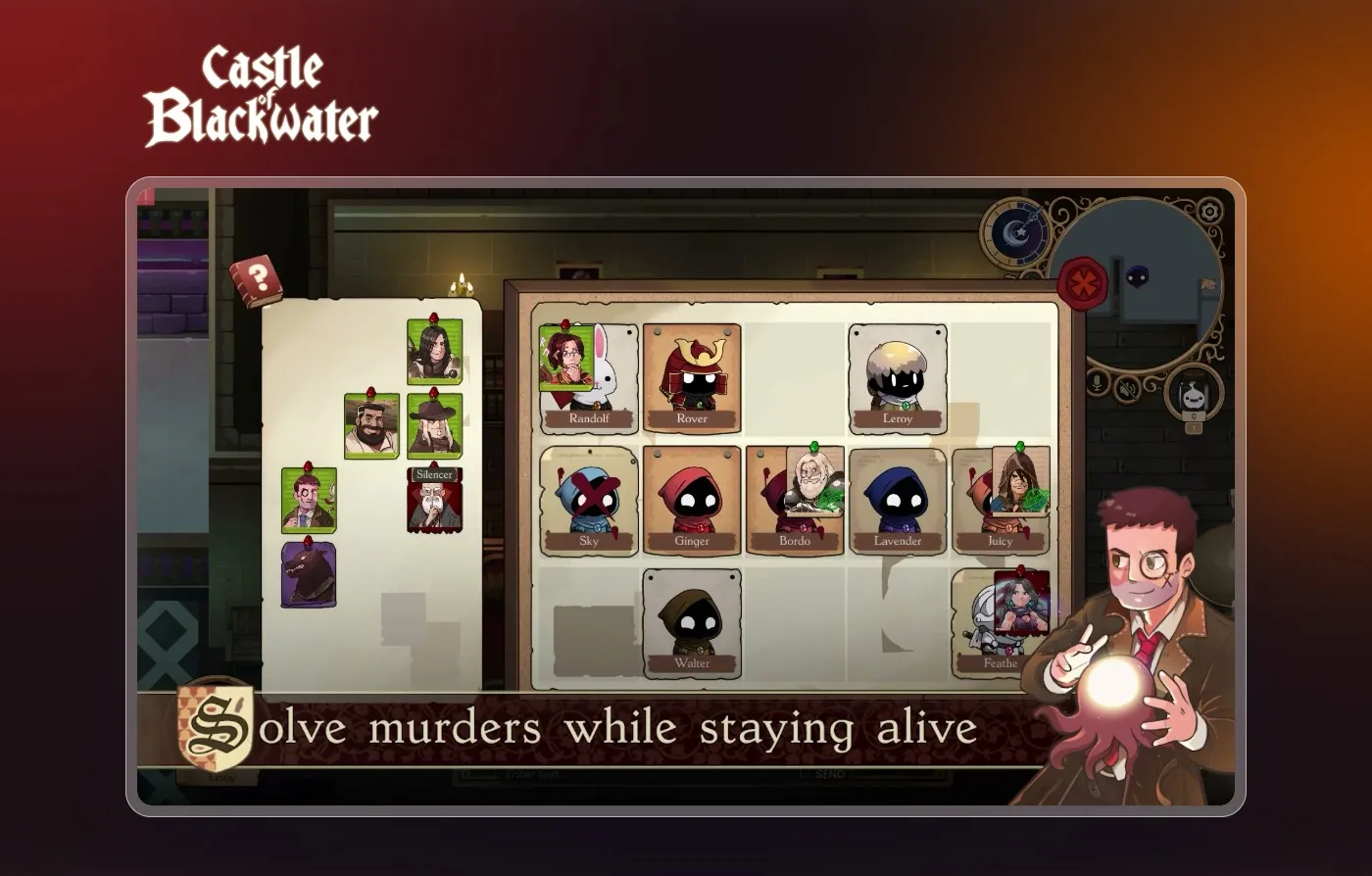
Castle of Blackwater: a multiplayer social deduction game, built from first sketch to worldwide launch on Steam by two of the owners of TopDevs.
Up to 10
Players per round
91% positive
Steam reviews

Fair Play Collective
Web3 gaming
Fair Play Collective: logo, identity, design and an animated website for a partnership in Web3 gaming.
Brand, design and site
Made
Home, blog and article
Pages