Wireframing & prototyping
Wireframing and prototyping: test your idea before you build
Clickable prototypes where you walk the whole flow before a line of code is written. So you see where it snags before anything is built.
Clients rate us 4.9
- Clickable in Figma
- Test first, then build
- Prototype becomes the blueprint
- One team designs and builds
Built for, among others



The problem
What gets in the way
The most expensive mistakes in software don't happen in the code, they happen in a wrong assumption about the flow.
You only see it once it's built
On paper the route seemed logical, but in the real app everyone gets stuck at step three. Now it's in the code and changing it takes weeks; a prototype would have shown it in an afternoon.
The build is full of surprises
Halfway through a screen turns out to be missing, or a button leads nowhere. Every surprise means building again and a bill that grows.
Everyone pictures something different
You, your team and the developer talk about the same screen and mean three things. A clickable prototype is the one picture everyone agrees on, before money goes in.
Pretty mockups nobody can build
A design agency delivers a beautiful picture and the developer says it won't work that way. A prototype that ignores the technology is wishful thinking.
How we look at it
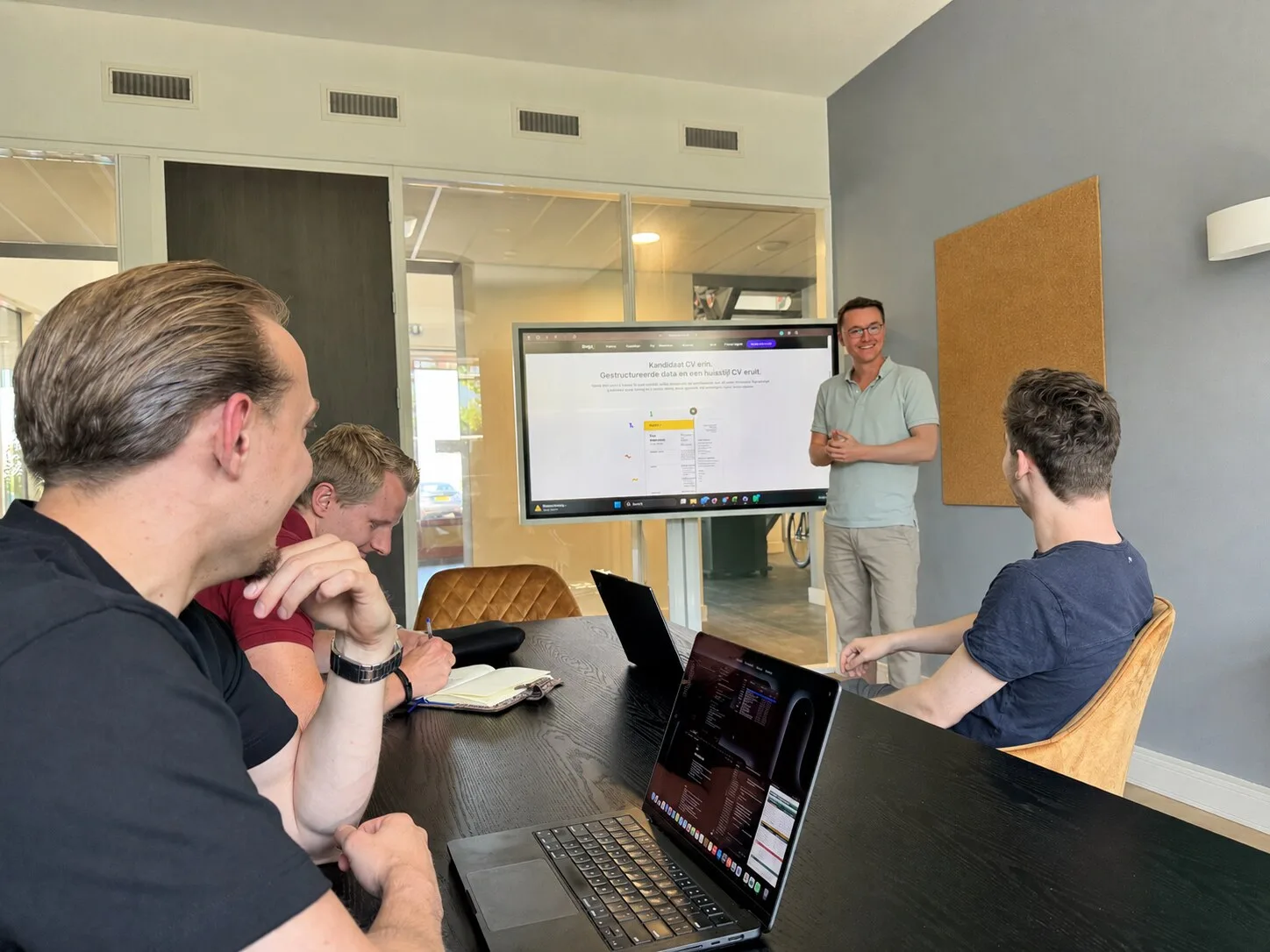
One screen too many, a step nobody understands, a button in the wrong place. Fix that once the app is built and it costs weeks. Fix it in a prototype and it costs an afternoon.
Read more
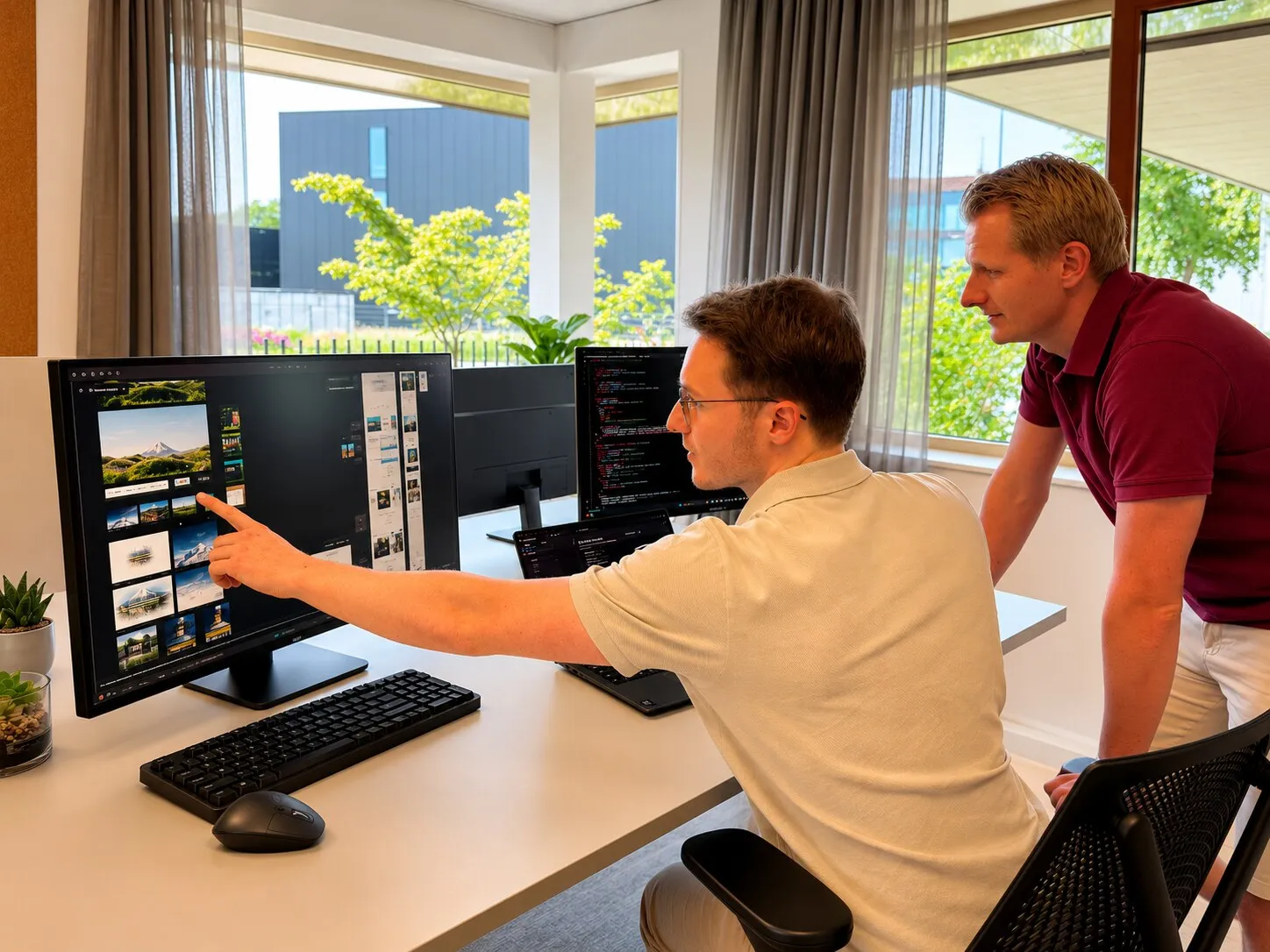
That is why we draw the wireframes first, the blueprint of each screen without colour or polish, and then turn those into a clickable prototype in Figma. You walk the whole flow as if it really works: tap, click through, go back. For complex products too, we work out the flow this way first, before anything is built.
The difference with most agencies: here the prototype isn't thrown over the wall to an outside developer. We build it ourselves, so we only draw what is actually buildable.


What we build
How we help
We start with sketches without colour: the layout of each screen, which information sits where, which step follows which. That way you discuss the logic before the styling takes over the conversation.
We link the screens into something you can click through on your phone or in the browser. You feel at once where it flows and where it falters.
We have a few people walk the main route and watch where they hesitate. We process those findings before anything is built.
The more steps, the more testing upfront pays off. For products with many steps, such as a visual editor, we work the route out first so the build becomes predictable.
Because we build it ourselves after the design, we only draw what can be built. The prototype is the blueprint our developers continue with.
What we built
See the latest from Topdevs
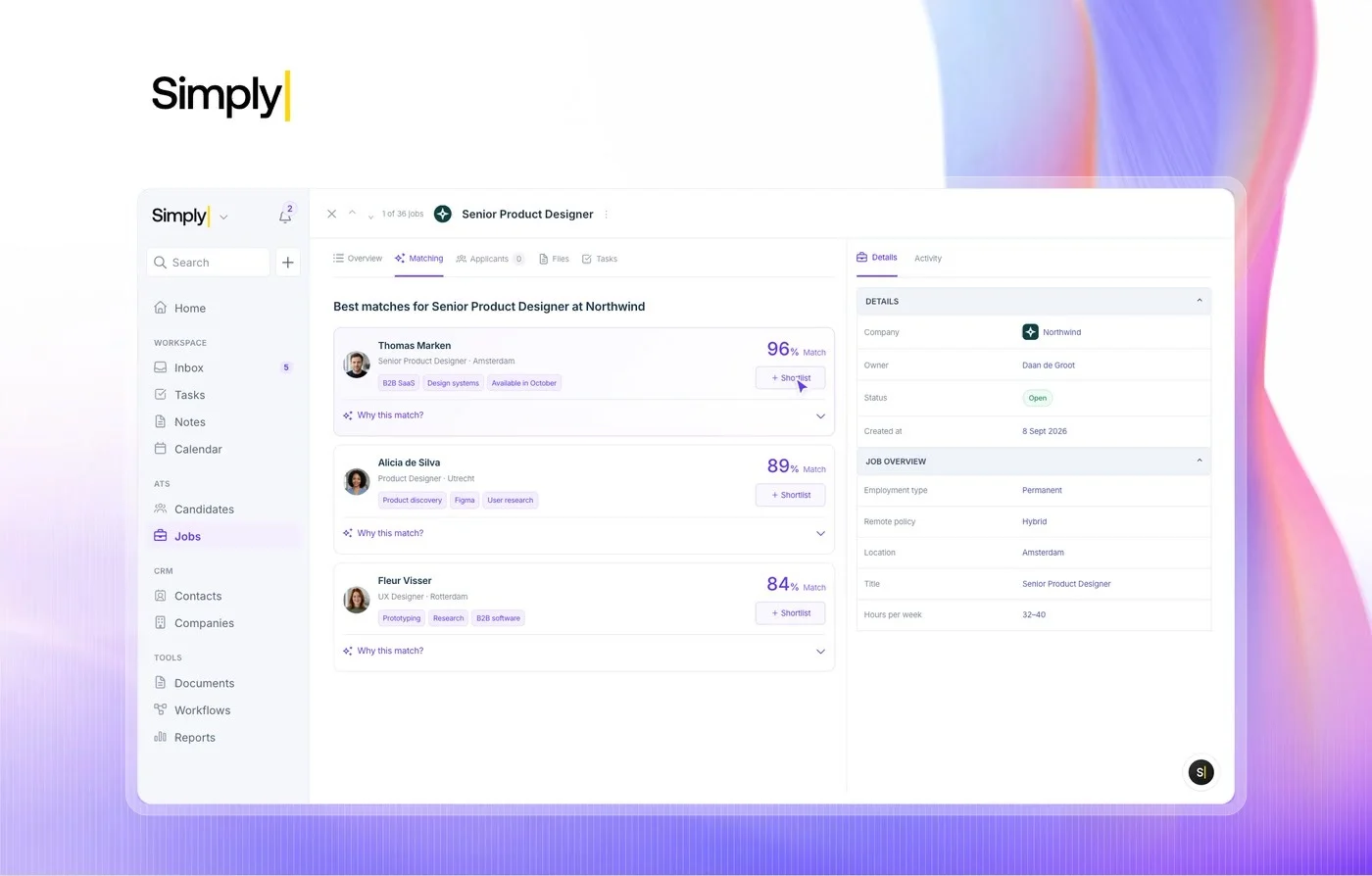
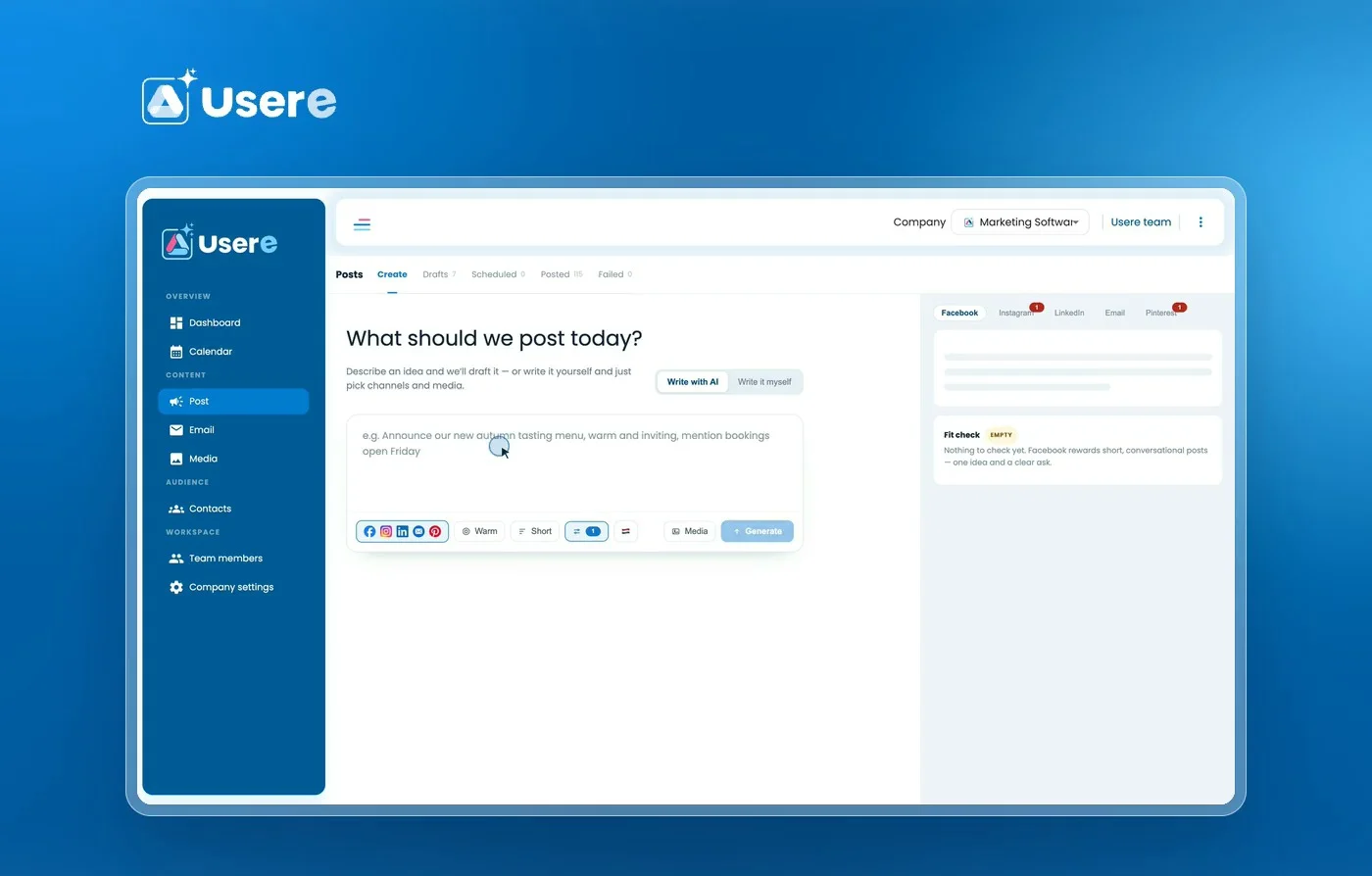
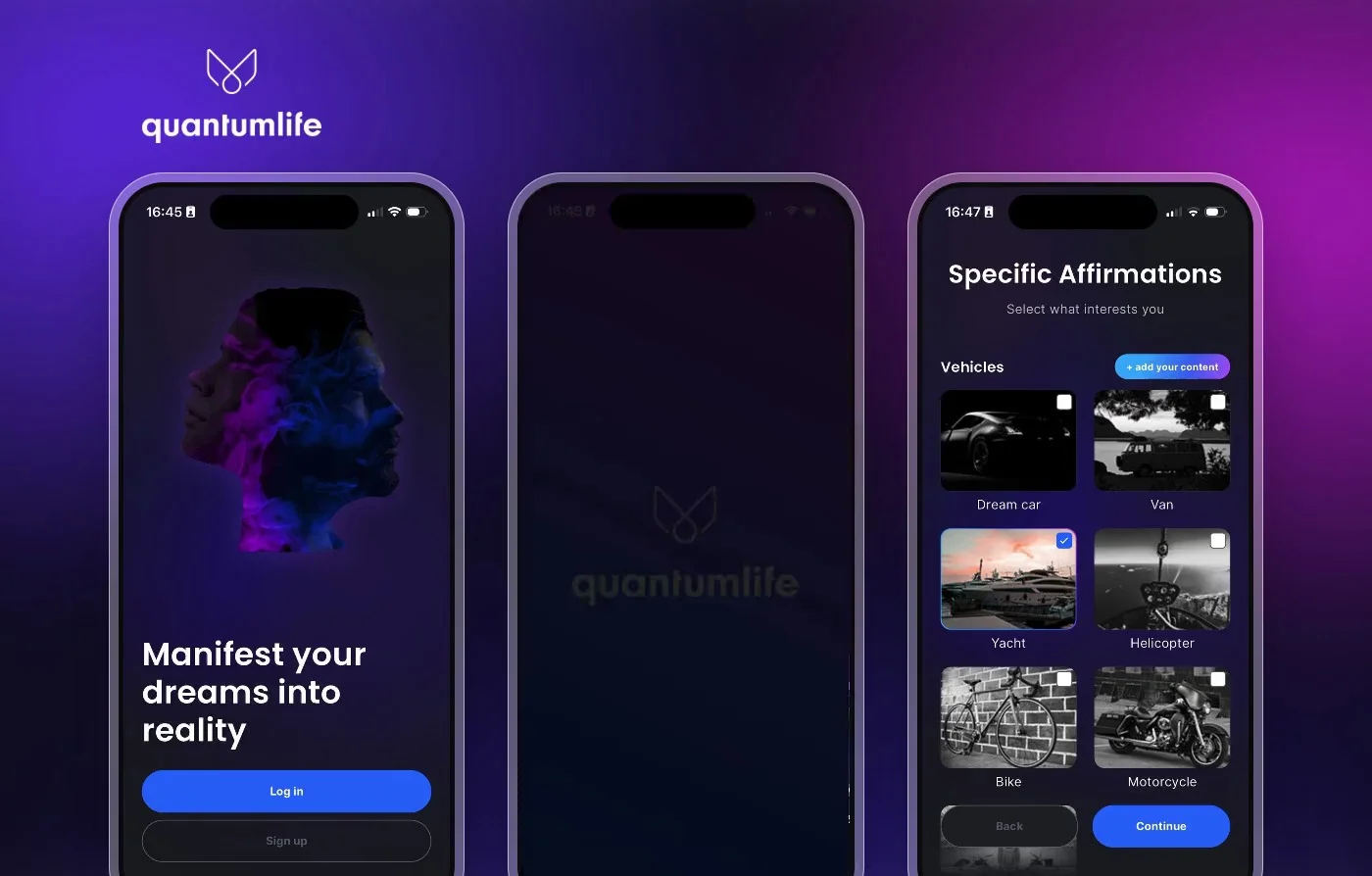
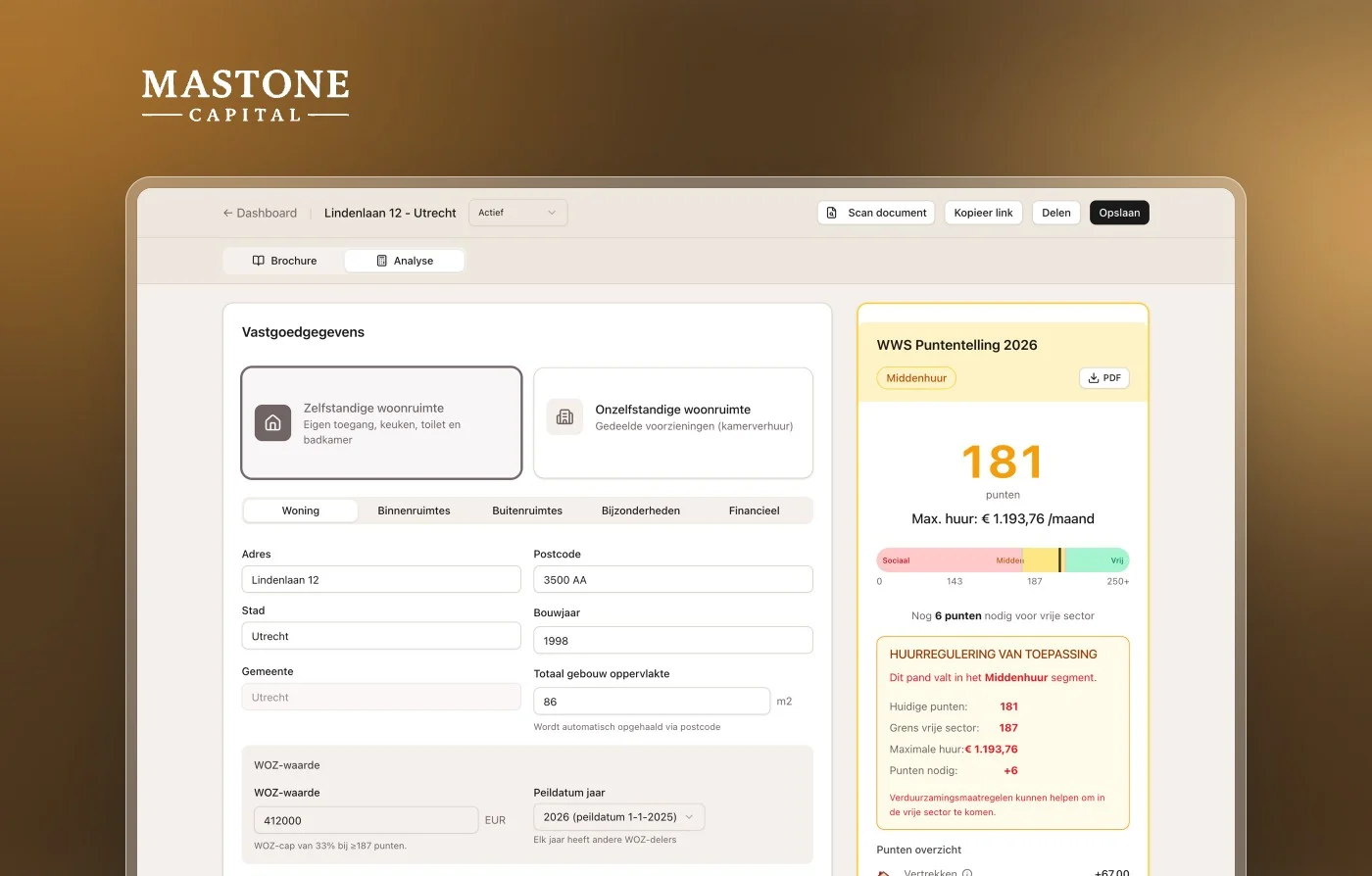
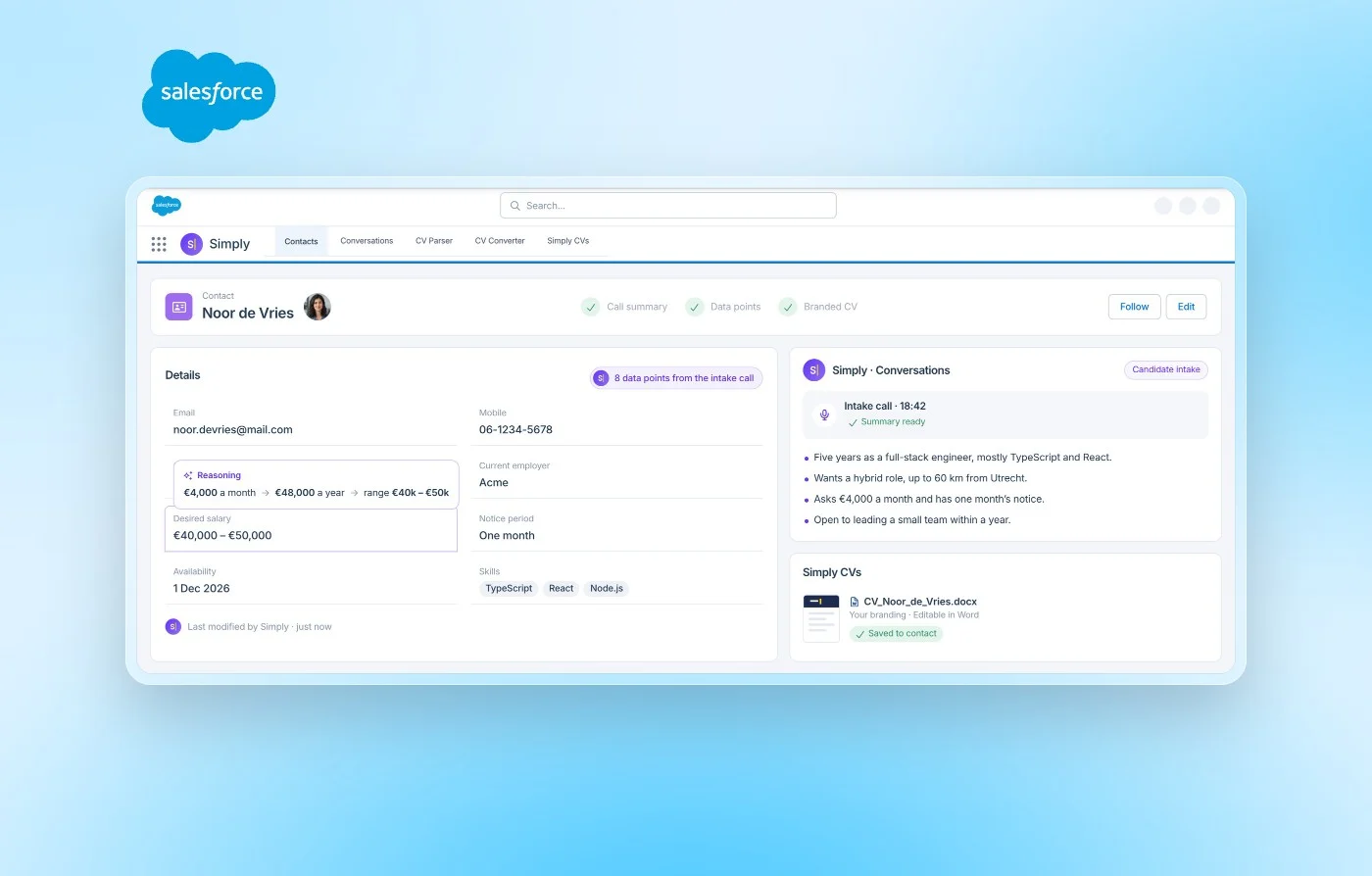
Simply - AI-Native CRM & ATS
Simply's AI-native CRM and ATS, built by us from data model to hosting. One platform with an AI agent, a unified inbox, matching and workflows, used by thousands of recruiters every day.
Reviews
What our clients say about us.
4.9 · based on client reviews
10 hours back every week
“One week of development now saves us 10 hours every week.”
 Joost van den BogartBBS Advocaten
Thought along, delivered fast
“A team that thinks along and delivers: quick to act, cleanly shipped and exactly what we had in mind.”
 Nico WerkmanDecathlon
Tens of thousands of documents, instantly searchable
“We used to dig through thousands of documents. Now I just ask a question and get an answer straight away, with the source attached so I can trust it. It saves us a huge amount of time.”
 Janet LongPlanit Consulting · AI chat for planning documents
Our approach
From idea to working software in four phases
Every project runs through the same four phases, so you always know what's happening, what comes next and what it costs, from first call to live software, usually in weeks rather than months.
- 01Phase 1Free intake
Understand & analyse
Everything starts with a good conversation. We map your goals, processes and the bottlenecks worth solving: no sales pitch, just an honest read on where the biggest win sits.
- 02Phase 2Free blueprint
Blueprint & quote
We turn the analysis into a blueprint: a clear plan showing exactly which steps we'll take and why, paired with one fixed quote. You know up front precisely what we build, what it costs and when it's done, so the bill can't surprise you afterwards. And that blueprint is free and without obligation.
- 03Phase 3Prototype in days
Build, test & deploy
Then we build, in short iterations. You see a working prototype in days and a finished product in weeks. We work on a modern, AI-native and secure stack, with data protection and GDPR in mind from day one.

- 04Phase 4100% your code
Implement & optimise
We launch, hand over the full codebase and keep improving on your terms. You get 100% ownership of the code we write. Hosting and maintenance are optional.

What you always get
Fixed price
Agreed up front.
100% code ownership
Your code, fully yours.
Live in weeks
Prototypes in days, finished in weeks.
Modern & secure
A scalable stack that always integrates with the latest tech. Secured by our in-house cybersecurity experts.
Tools & tech
One team that designs and builds
The same team designs and builds, so we choose the setup that serves your brand and conversion: a CMS where you need to edit yourself, a custom build where it has to be exactly right. Form follows the goal.
- Wireframes of every key screen in the flow
- A clickable Figma prototype you walk through on phone or in the browser
- A short usability test with real users and the findings
- Worked-in changes based on what the test showed
- A prototype ready to act as the blueprint for the build
Faster Delivery. Fixed price. Forever your code.
Traditional agencies make software feel risky. Topdevs makes the project clear before we build.
Frequently asked questions
What's the difference between a wireframe and a prototype?
A wireframe is the floor plan of one screen: where each piece of information sits, which buttons, in what layout. It's static and without colour. A prototype links those screens into something clickable, so you can actually walk the flow as if it were the app. Put simply: the wireframe shows one screen, the prototype lets you feel the whole journey through it.
Why prototype before we build?
Because a mistake in a prototype costs an afternoon and the same mistake in built software costs weeks. You see early where people get stuck, which screen is redundant and which step is missing, while it's still cheap to change. That takes the surprises out of the build and makes delivery faster and more predictable. For complex products in particular, that is the difference between guessing and knowing.
What does wireframing and prototyping cost?
It depends on how many screens and steps your flow has, but you get a fixed price agreed up front. More to the point is what it saves you: every mistake you catch in this phase is one you don't fix in expensive code. For most projects a prototype pays for itself through the surprises it takes out of the build. Want a ballpark for your idea? Book a call.
What tools do you work with?
We prototype in Figma. With it we draw the wireframes, link the screens into a clickable whole, and share a link you open on your phone or in the browser. You need no software to look along, a link is enough. Figma is also where the hi-fi design later builds on top, so everything stays in one place.
Do you also carry on to the build after the prototype?
Yes, and that's exactly the point. We are one team that designs and builds, so the prototype isn't thrown over the wall to an outside developer. Our developers carry on with it directly. That's why we only draw what can be built, and why the prototype serves as the blueprint. You can of course take just the prototype and continue with it yourself, the code and the design are yours.
How many rounds of feedback are included?
A prototype is meant to be changed, that's where the value is. We walk it through together, work in your feedback and test it again, until the flow is right. Because we haven't built anything yet at this stage, changing it is fast and cheap. That's exactly why we prototype first and build afterwards.
Contact
Ready to build?
Send us a message or book a call straight away. We're happy to think through the best approach with you.